

Themes
Noodle ships with 35 built-in themes and uses the Noodle theme by default when no theme is saved. Press Ctrl+T to open the theme picker and browse available options.
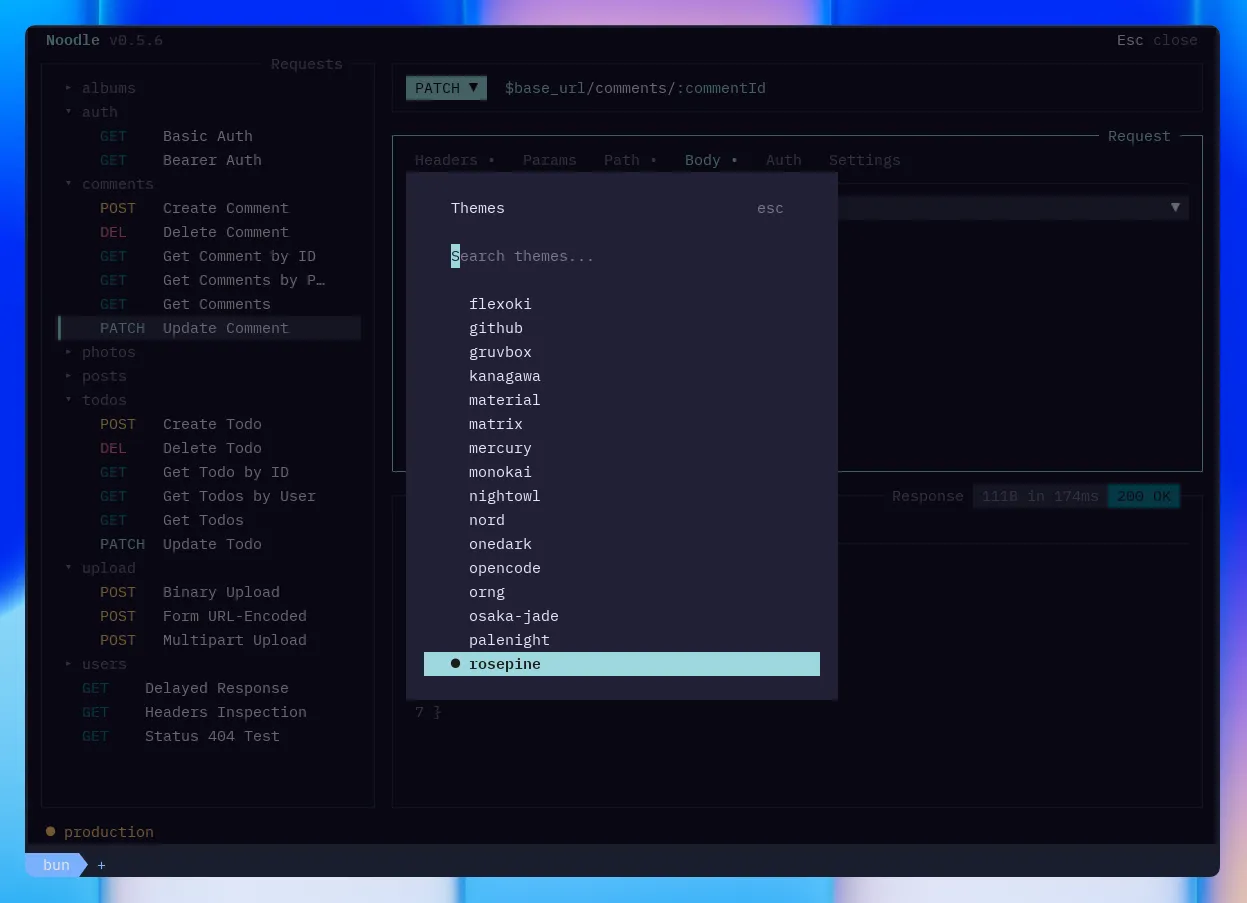
Themes cover all UI elements: panes, borders, text, selection, sidebar badges, status bar, and dialog overlays.
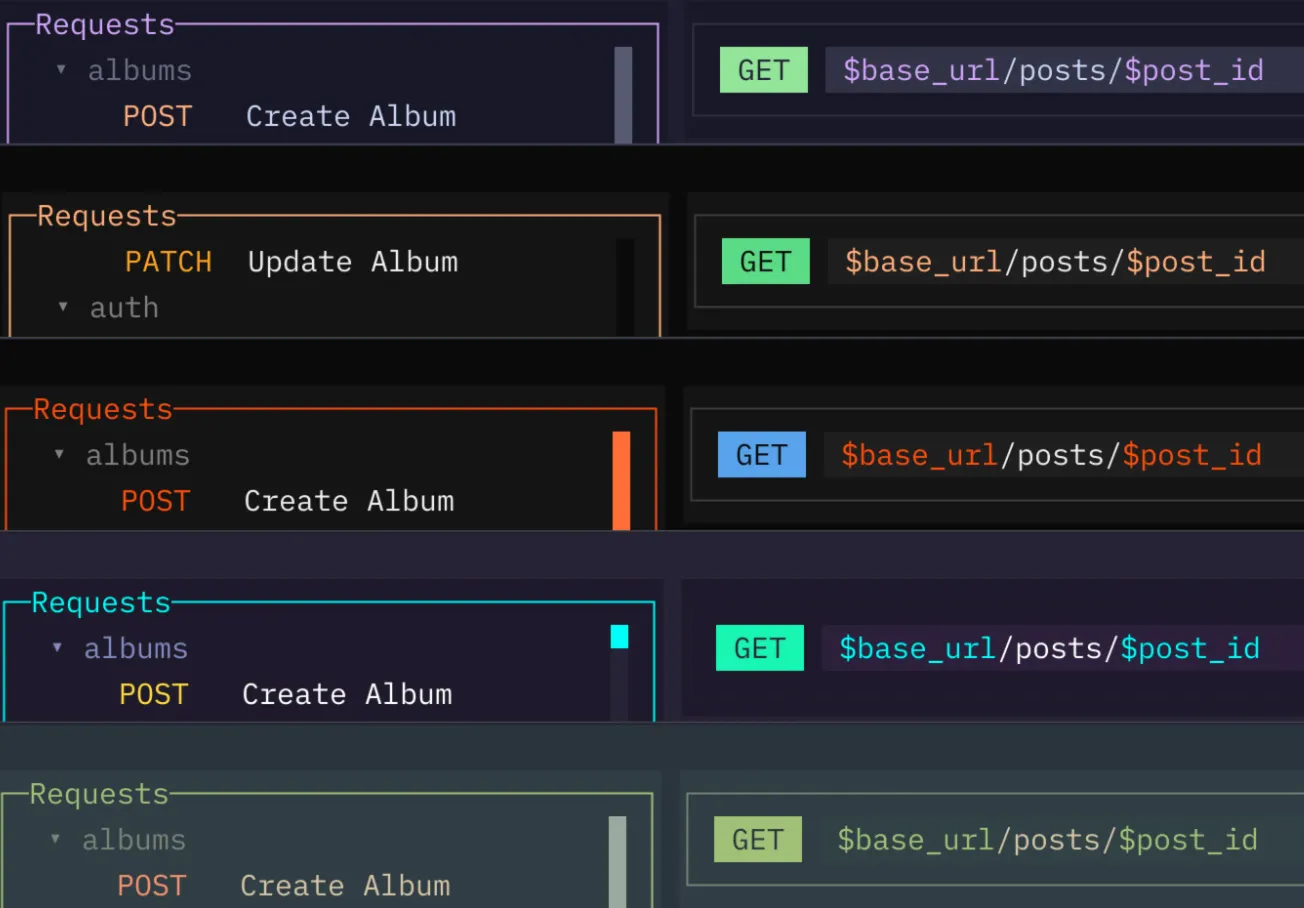
Follow your terminal
Section titled “Follow your terminal”Choose system in the theme picker to use your terminal’s foreground, background, and ANSI palette. Noodle refreshes its colors when the terminal reports a palette or theme change during the session.
If the terminal cannot provide its colors, Noodle uses its default colors and
keeps system as the saved preference. Palette detection depends on terminal
support.
Available Themes
Section titled “Available Themes”opencode · catppuccin · catppuccin-frappe · catppuccin-macchiato · claude-code · dracula · nord · tokyonight · gruvbox · ayu · monokai · solarized · onedark · aura · everforest · kanagawa · rosepine · material · carbonfox · synthwave84 · cobalt2 · cursor · flexoki · github · matrix · mercury · nightowl · noodle · orng · osaka-jade · palenight · system · vercel · vesper · zenburn