

Noodle Docs
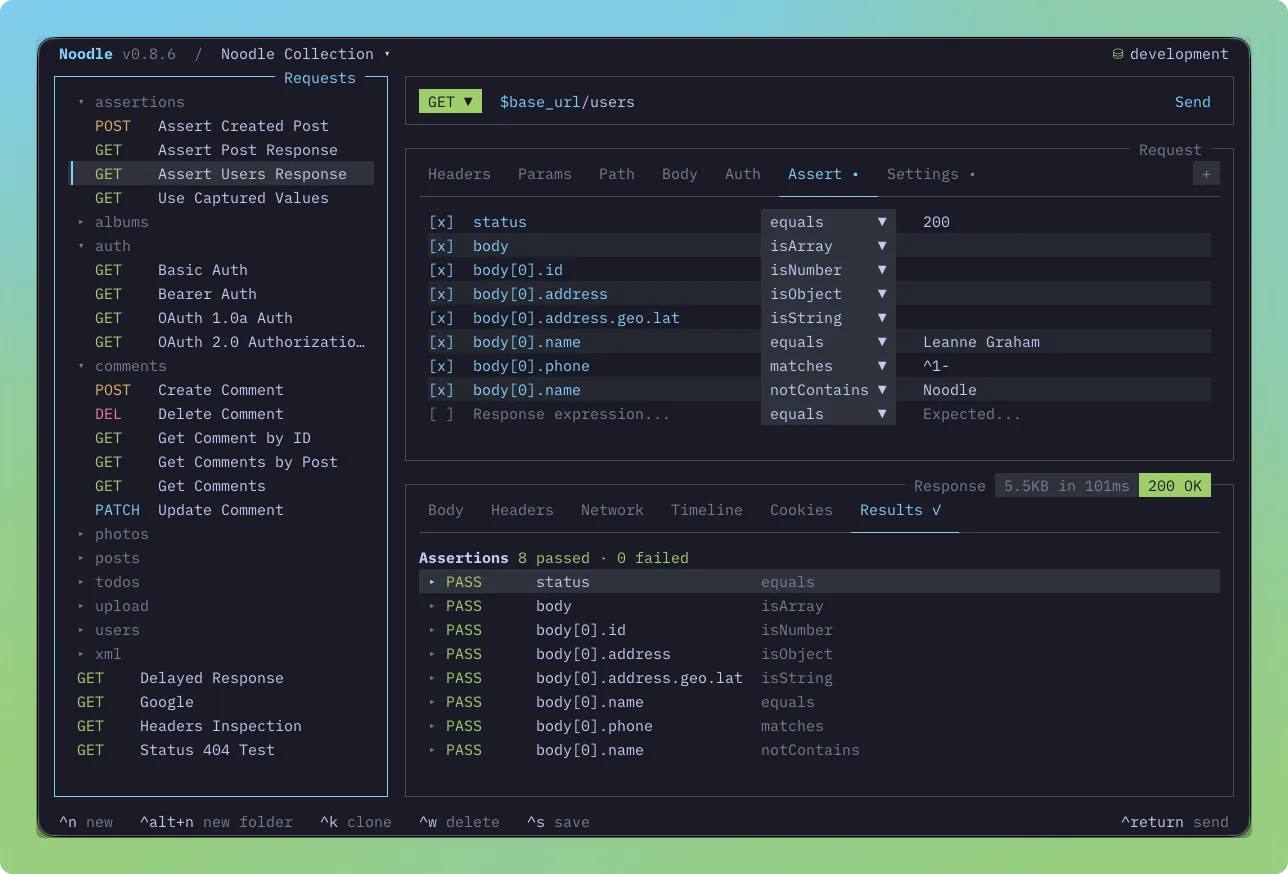
Noodle keeps requests in YAML files and gives you a terminal workspace to edit, send, and inspect them. Start with the interactive client, then run the same files from the CLI when you need repeatable checks.
Start with one request
Section titled “Start with one request”Find your next task
Section titled “Find your next task”| I want to… | Start here |
|---|---|
| Bring a Postman, Insomnia, or API specification into Noodle | Import collections |
| Switch API URLs or keep credentials out of request files | Environments and secrets |
| Call an API that requires a token or login | Authentication |
| Inspect JSON, downloads, cookies, or previous responses | Inspect and save responses |
| Run several requests in the terminal interface | Collection Runner |
| Check a response or pass its ID to another request | Assertions and captures |
| Copy a recipe for scripts, tests, or connected requests | Cookbooks |
| Run API checks in CI | CLI automation and CI |
| Fix a failed request or setup problem | Troubleshooting |
Settle into the workspace
Section titled “Settle into the workspace”Use Core concepts to understand collections, requests, environments, and focus. Find requests explains the collection tree and search. Create and send requests covers headers, parameters, bodies, cURL import, and generated client code.
Bring existing work with you
Section titled “Bring existing work with you”Import collections from OpenAPI, Swagger, Postman, or Insomnia. Export as OpenAPI or Postman when another tool needs the files. AI agent skills lets a coding agent help maintain the same collections.
Keep the reference close
Section titled “Keep the reference close”- CLI commands for command syntax and flags
- Collection YAML for request, folder, and settings fields
- Environment files for dotenv syntax
- Script API for JavaScript methods and limits
- Keybindings for shortcuts
- Global configuration and Timeline storage for files on disk