

Collections
A collection is a directory of .yml request files. It is the unit you open,
share, version, inspect, and run.
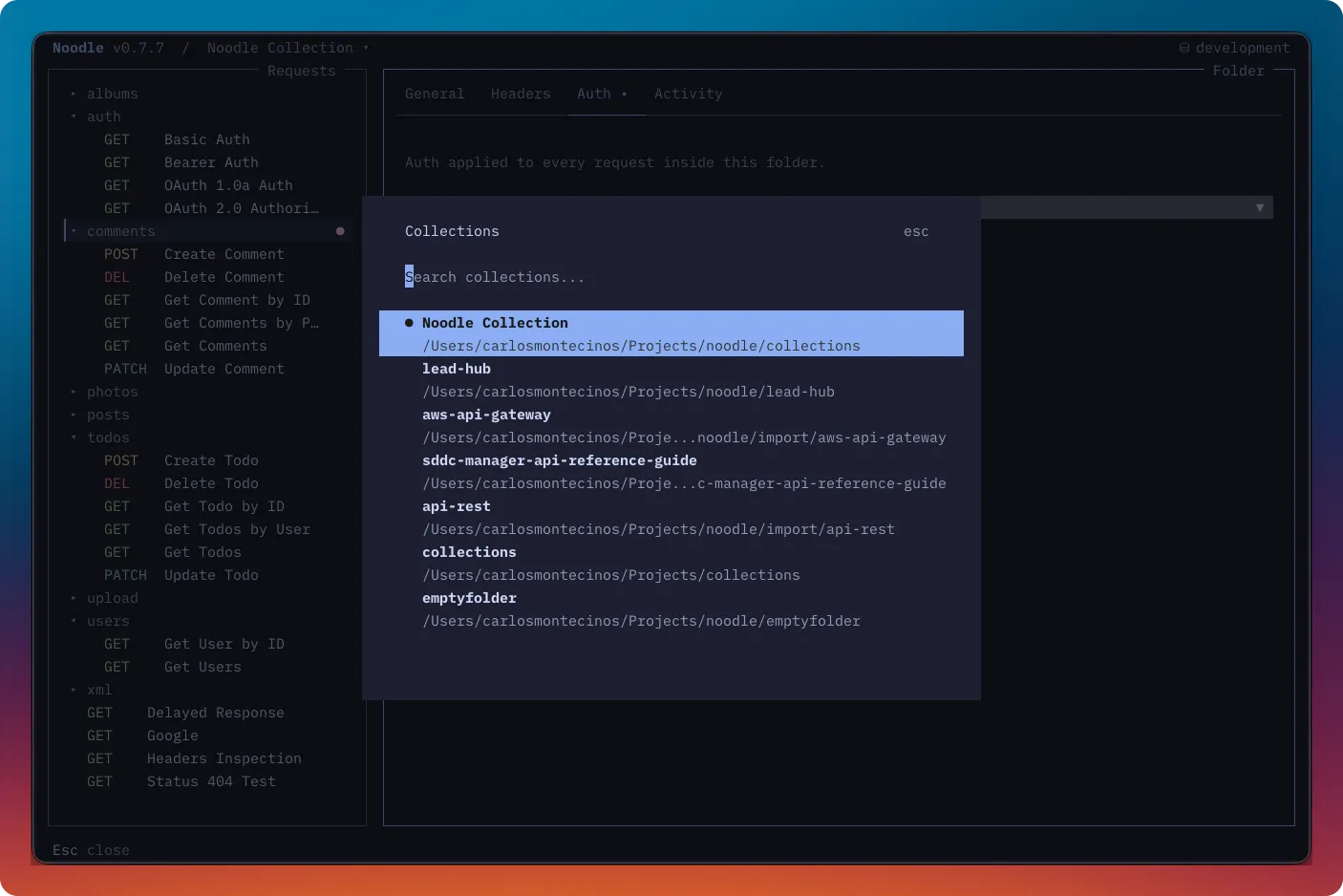
Directory Structure
Section titled “Directory Structure”my-collection/├── .environments/│ ├── production.env│ └── staging.env├── .noodle/ # UI state (auto-generated)├── .timeline/ # Response history (auto-generated)├── settings.yml├── users/│ ├── folder.yml│ ├── list.yml│ └── create.yml└── health.ymlThe .noodle/ and .timeline/ directories are created automatically.
.noodle/ stores local UI state. .timeline/ stores response history that may
contain public variables or sensitive server payloads, so keep it out of version
control. The Timeline reference explains the stored
history format and redaction boundaries.
For the complete request, folder, and settings schema, see the Collection YAML reference.
Starting a collection
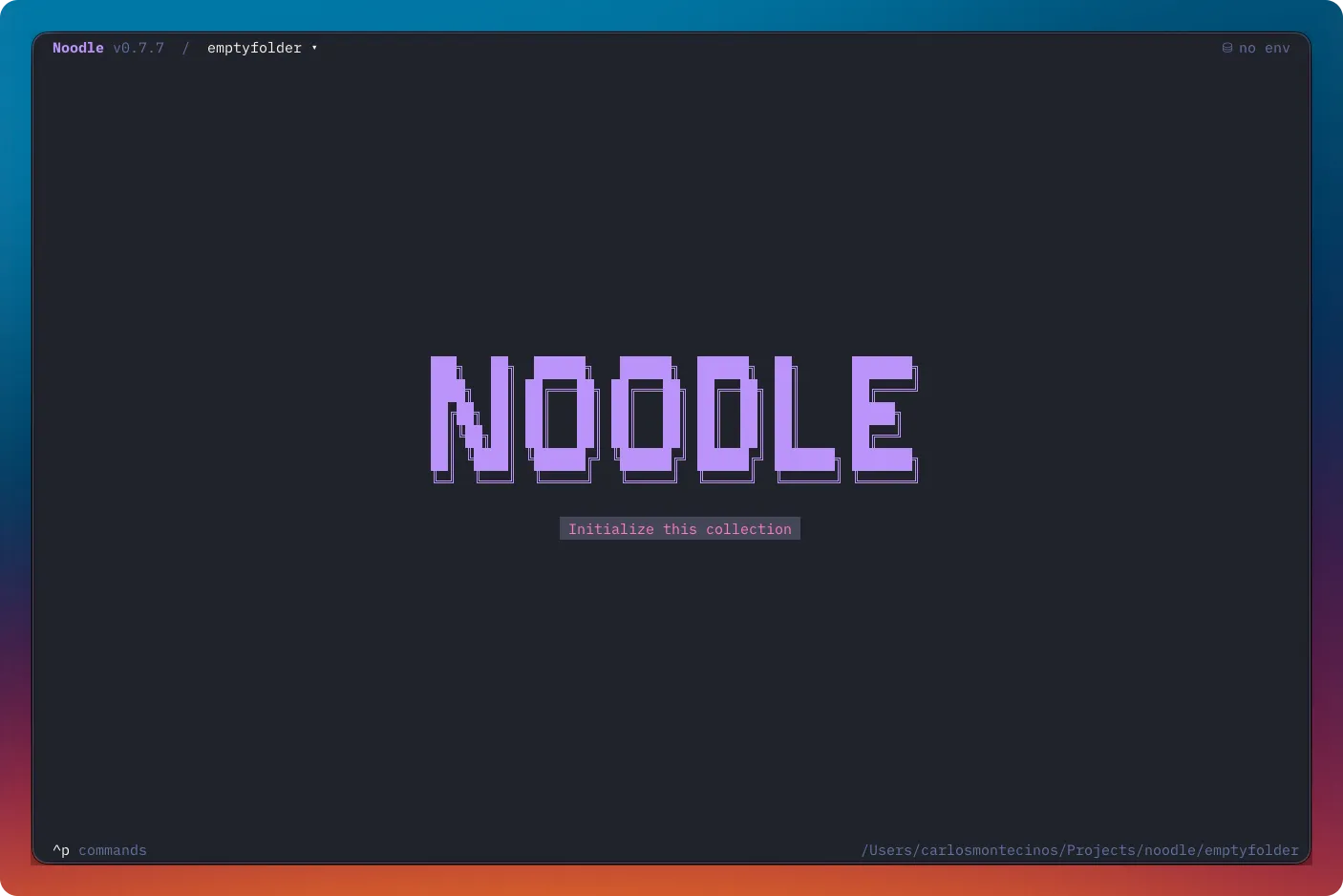
Section titled “Starting a collection”For an existing directory open in browse or empty mode, choose Initialize Collection from Ctrl+P. To create a new collection directory from the CLI:
noodle collection create my-apinoodle request create health \ --url https://api.example.com/health \ --collection ./my-apiOpen it with noodle ./my-api. Without an explicit path, the TUI opens the
first existing registered collection, falling back to the current directory.
collection create also adds a starter request and a development environment.
Formatting a collection
Section titled “Formatting a collection”Use the automation CLI to rewrite every request with canonical YAML and pretty-print valid JSON request bodies:
noodle collection format ./my-apiThis command modifies request files. Invalid JSON body text is preserved as-is. OpenAPI, Swagger, Postman, and Insomnia imports run the same formatting automatically.
Switching Collections
Section titled “Switching Collections”Press Ctrl+O to switch between previously used collection directories. The
collection switcher lists them in most-recently-used order. When you switch,
Noodle reloads the collection, environments, and UI state; unsaved drafts are
preserved per collection. Clicking the collection path in the header opens the
same switcher.
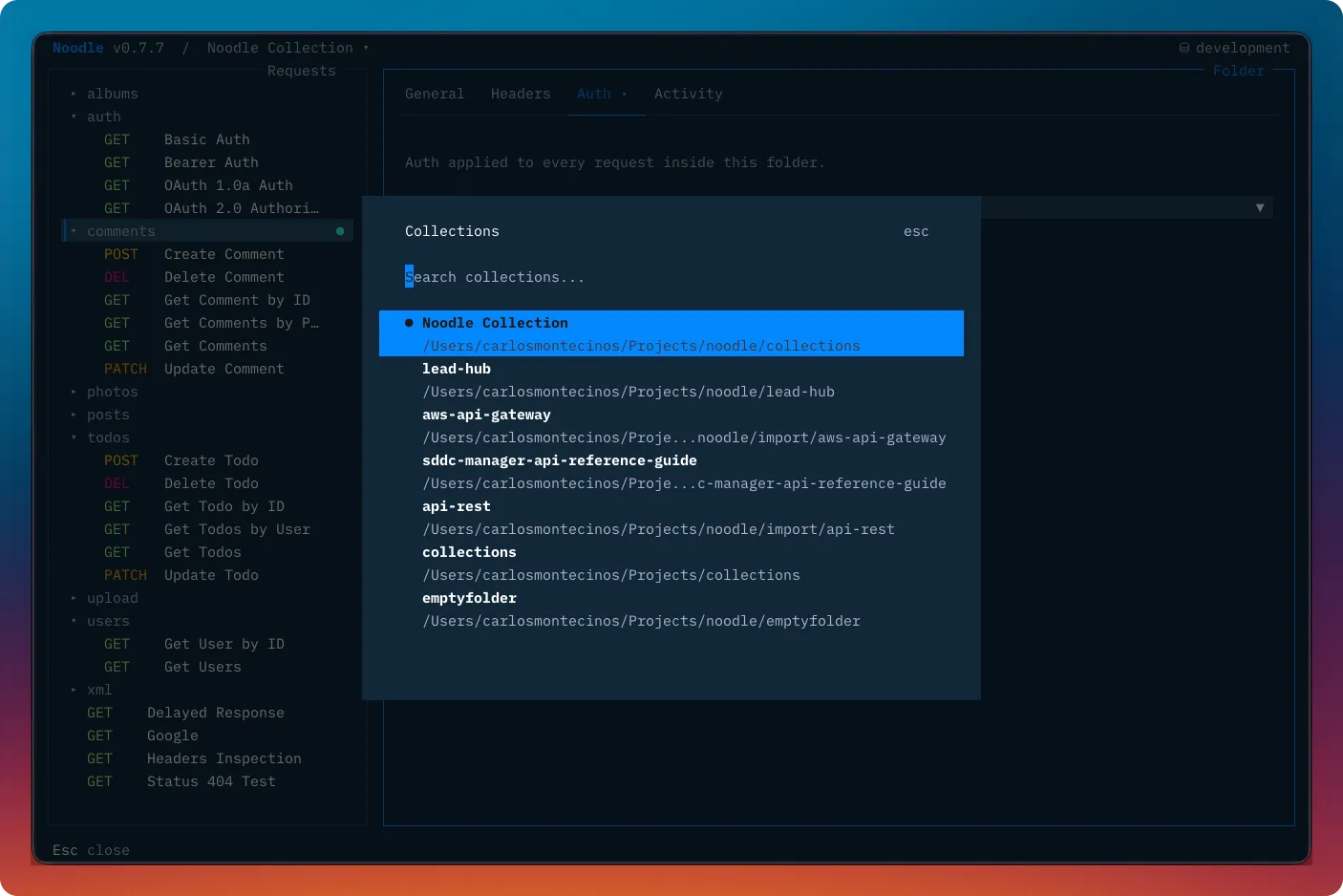
Opened collections are stored in ~/.config/noodle/config.yml. You can also
switch collections from the Collection section of the command palette
(Ctrl+P).
The command palette can also open the active collection in a detected external editor. Choose the preferred editor in Settings under global Behavior.
Repairing invalid YAML
Section titled “Repairing invalid YAML”If a request or folder.yml file is invalid, Noodle opens a repair workspace
instead of the normal collection view. Select each invalid file, edit it with
inline YAML validation, and press Ctrl+S to save. Noodle reloads the
collection after a successful repair; Ctrl+W deletes the selected invalid
file after confirmation.
Organizing a collection
Section titled “Organizing a collection”Use folders to group related requests. A folder.yml can give a folder a
name and sort order, and can apply shared headers or authentication to its
children. The Folders and inheritance guide covers the
TUI workflow; the Collection YAML
reference defines inheritance and file fields.
Default environment
Section titled “Default environment”Set a collection-wide default in settings.yml:
environment: productionThis selects the environment when you open the collection and when automation
run commands are used without --env.
Noodle also generates a collection_id in settings.yml when collection-scoped
vault storage is first needed. Preserve it when moving the collection so secure
environment values, proxy credentials, and mTLS passphrases remain available;
do not copy it into another collection.