Noodle 0.9.6 preserves compatible scripts when importing Postman and Insomnia collections. It also makes inherited post scripts follow the same order as pre scripts and tests, so request-specific successful writes override inherited values. Clearer warnings show which behavior still needs your attention.
Keep compatible scripts during import
Accepted source already uses supported Noodle APIs or a conservative subset of JavaScript built-ins. Noodle parses it, checks identifiers and phase-appropriate API members, and performs compile-only syntax validation. It copies the source literally without running it or loading referenced files or packages.
For example, a pre-request hook using this source can be preserved:
const stamp = String(Date.now());noodle.request.headers.set("X-Time", stamp);Postman pre-request events become collection, folder, or request pre scripts. Compatible request test events become Noodle tests. Collection and folder test events remain unconverted. Insomnia v4/v5 imports preserve compatible request pre/post hooks; workspace and group hooks and standalone test resources remain unconverted.
This does not translate pm.*, postman.*, insomnia.*, plugin APIs, or modules.
Syntax errors, unsupported globals, ambiguous access, API aliases, reflection,
and async source produce warnings. Duplicate or disabled Postman events and
external/package sources also stay unconverted. Some valid Noodle scripts need
manual review because import checks are narrower than runtime capabilities.
Review what was omitted
CLI output identifies unconverted scripts. JSON import results include ordered warnings with the source format, item path, original phase, unsupported global names, and a compatibility or placement reason. Warnings exclude script source and literal argument values.
In the TUI, a scrollable notification appears before the confirmation to open the new collection. It previews affected items and unsupported names or reasons, then reports how many additional warnings were omitted from the preview. Use Ctrl+P → Show Last Notification to revisit it.
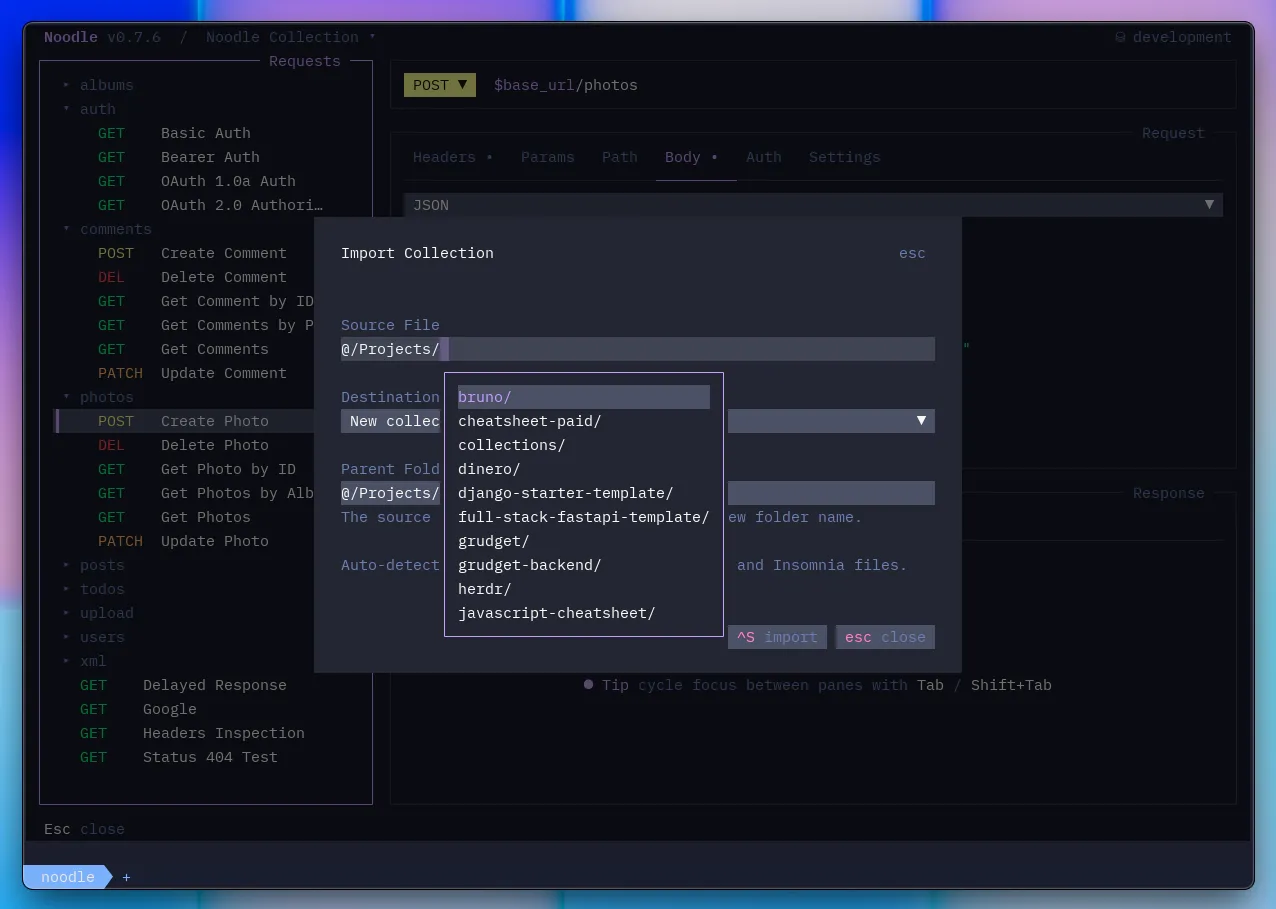
Imports that retain scripts or tests require a new collection, including scripts at folder or request scope. Current collection imports and existing CLI targets are rejected before any writes. Choose a fresh destination, review the warnings, and recreate required omitted behavior before sending requests. Script-free imports keep their existing behavior.
See the Import guide for placement rules and compatibility limits.
One inherited order across phases
Pre scripts, post scripts, and tests now each run:
Collection → outermost folder → nearest folder → request.
Post scripts still run after captures and before assertions and tests. The most specific successful post write wins, including persisted writes. The request script tab’s Ctrl+Alt+R execution-order view follows the same order.
Versions 0.9.4 and 0.9.5 ran post blocks in reverse order. When upgrading, review collection or folder post scripts that read values produced by request post scripts: those request writes now happen later. Move dependent work to the appropriate later block or adjust the shared value flow.
See Inherited scripts and tests for the complete lifecycle and per-block failure behavior.
Updated agent guidance and build checks
The maintained noodle-use skill covers compatible imports, structured warnings,
the corrected post order, and online troubleshooting guidance. Its generated
scripting API reference lists members, phase capabilities, and fixed runtime
limits alongside the external-editor declarations.
The noodle-dev skill documents asynchronous import validation, script placement,
destination safeguards, and generated-artifact checks. CI and release builds
validate the generated scripting artifacts and test binary-response behavior
with compiled release binaries; those jobs now use Bun 1.4.2.
Read the full changelog for the release details.